

“Well, This is definitely the best service I’ve ever encountered with a pool Cleaning company. Ricky was absolutely amazing. Was on time, polite and did a wonderful job. I would…

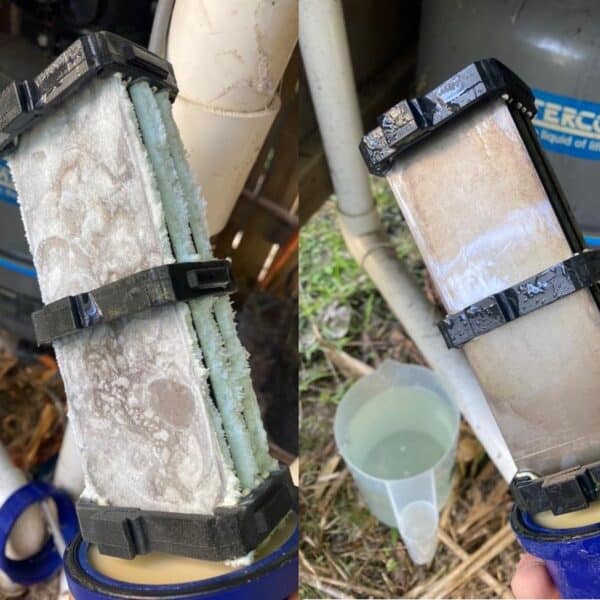
Pool maintenance can sometimes feel like a mystery wrapped in a riddle, especially when you’re faced with the dreaded cloudy or green pool water. If you’re noticing that your pool is looking less than pristine, your first thought might be that you need a new chlorinator. However, before you rush into purchasing new equipment, it’s essential to understand that a simple solution might be within reach.
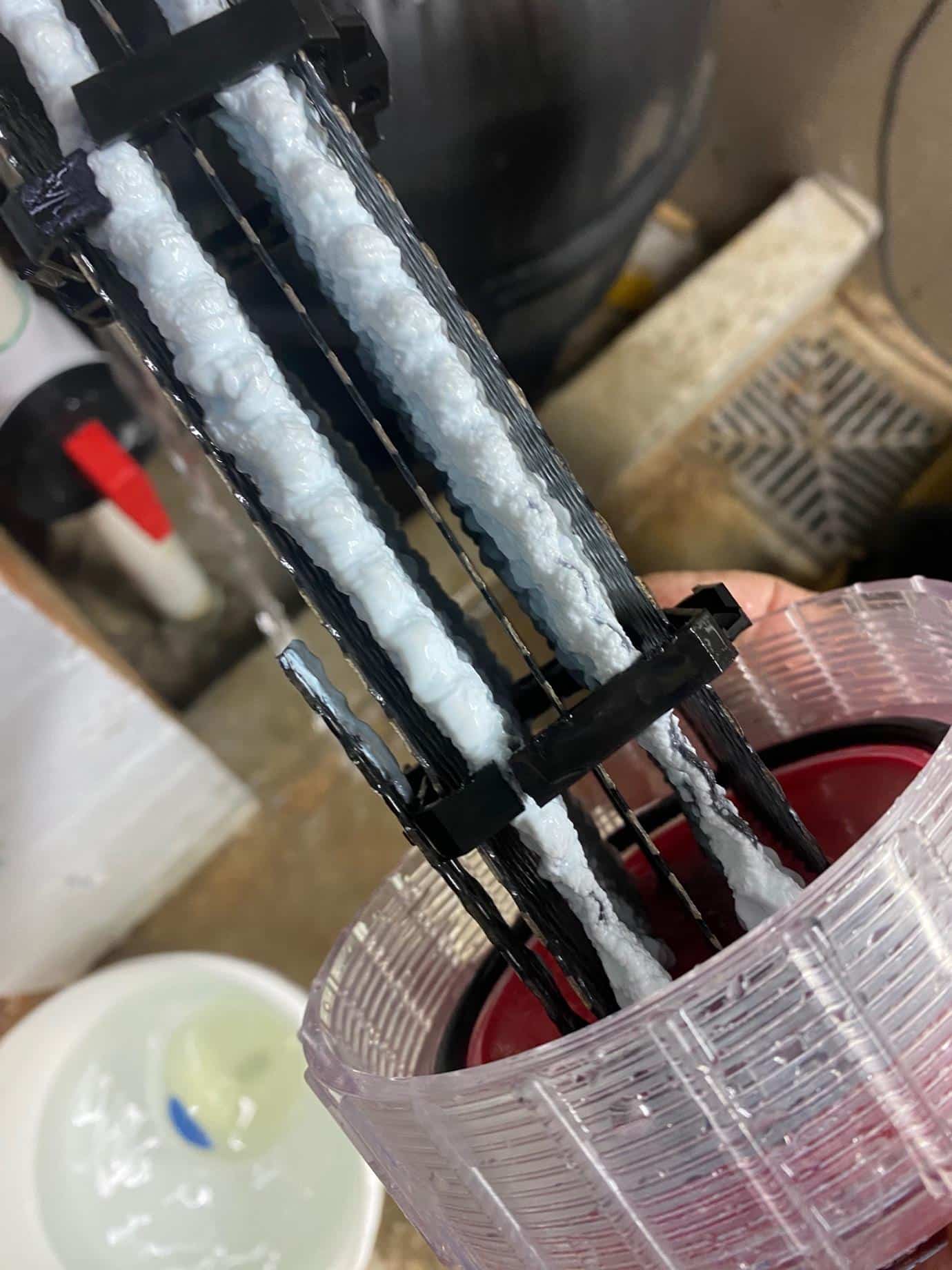
One of the most common culprits behind poor pool water quality is a calcified chlorinator cell. Over time, calcium and other minerals can build up on the cell, significantly reducing its effectiveness. This buildup can prevent the cell from producing enough chlorine to keep your pool water clear and balanced, leading to problems like cloudiness or algae growth. Fortunately, this is a problem that often has a straightforward solution: cleaning the cell.

A chlorinator cell is a crucial component of your pool’s chlorination system. It converts salt into chlorine through a process called electrolysis. This chlorine is then distributed throughout the pool to maintain proper sanitation. When the cell becomes calcified, its efficiency drops, which can lead to a lack of adequate chlorine levels in your pool. This situation is often mistaken for a need for a new chlorinator system, but it’s important to first assess the condition of your existing cell.
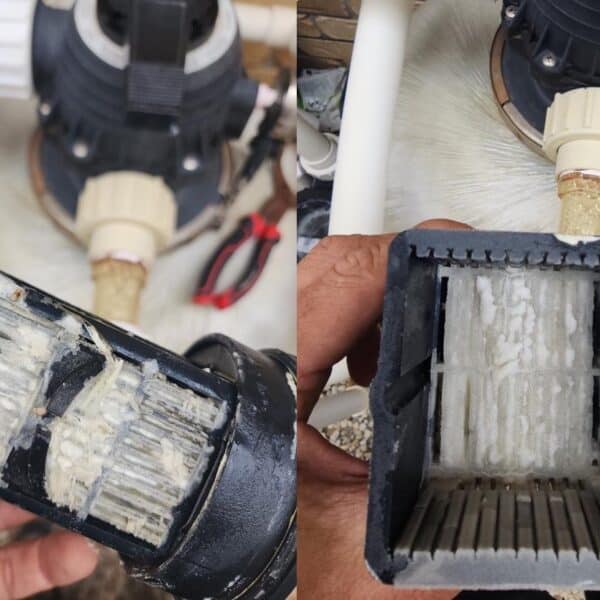
Cleaning the chlorinator cell is a straightforward process but should be done carefully to avoid damaging the equipment. Here’s a general guide to cleaning a calcified cell:
If you’re unsure about the condition of your chlorinator cell or if cleaning doesn’t resolve the problem, it’s a good idea to reach out to a professional. At Jim’s Pool Care, our experienced technicians can accurately diagnose the issue and provide the best solution. We offer comprehensive pool maintenance services, including chlorinator inspections and repairs, to ensure your pool stays in top condition.
Before jumping to conclusions about needing new equipment, check if your chlorinator cell might just need a good cleaning. A calcified cell is a common issue that can significantly impact your pool’s water quality, but it’s often fixable without a major investment. If you’re ever in doubt, don’t hesitate to contact your local pool care experts. At Jim’s Pool Care, we’re always here to help you keep your pool sparkling clean and inviting.
For expert advice and assistance with your pool maintenance needs, reach out to us today. Your pristine pool is just a call away! PH:131546
Get to know our studio before you commit to becoming a regular student. We can’t wait to meet you!